How to use Astra Test
Pick the guide for what you do. Each one goes step by step, and the walkthroughs show the real screens, recorded from the app.
Walkthroughs
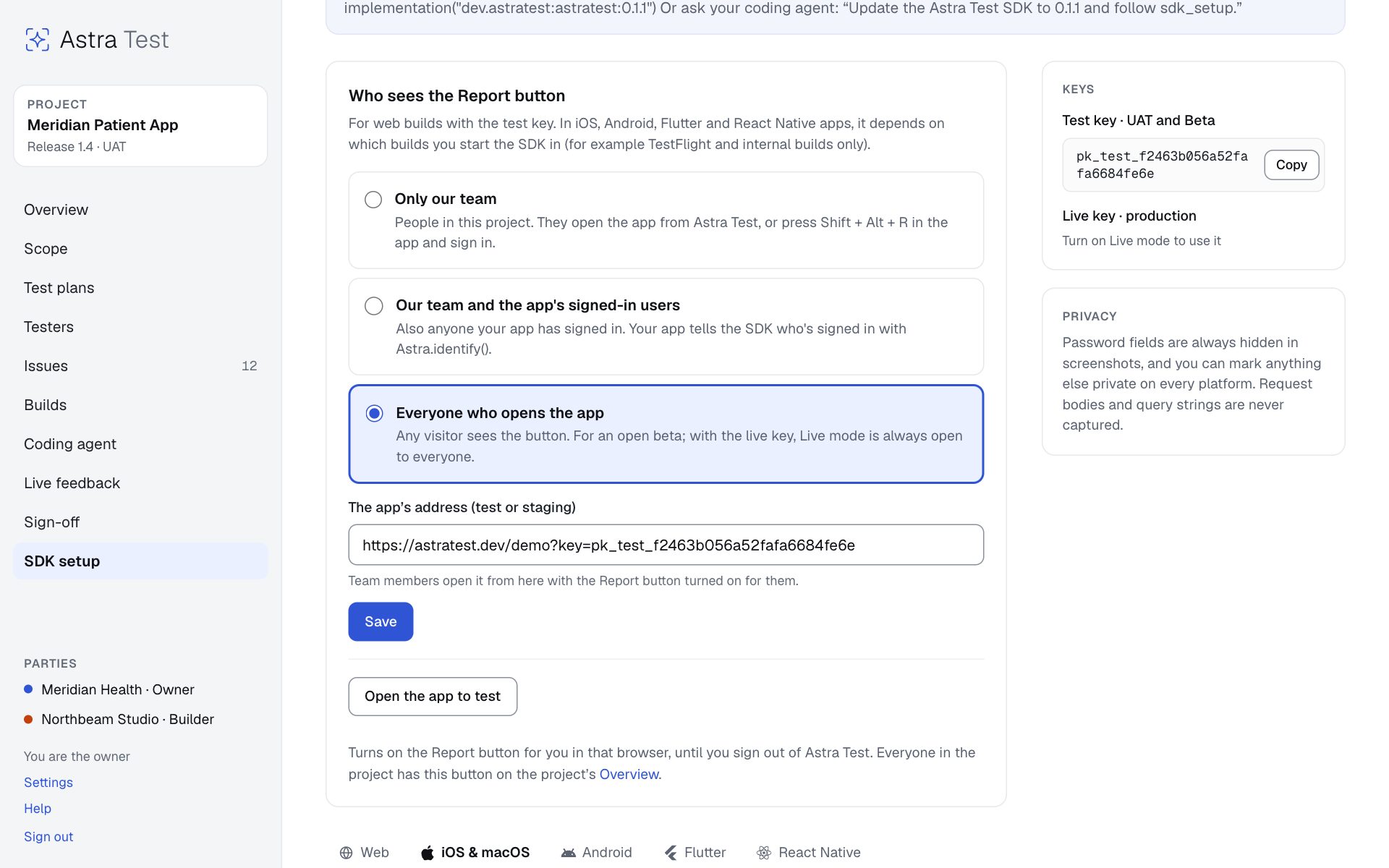 Choose who sees the Report button3 steps · Owner guide
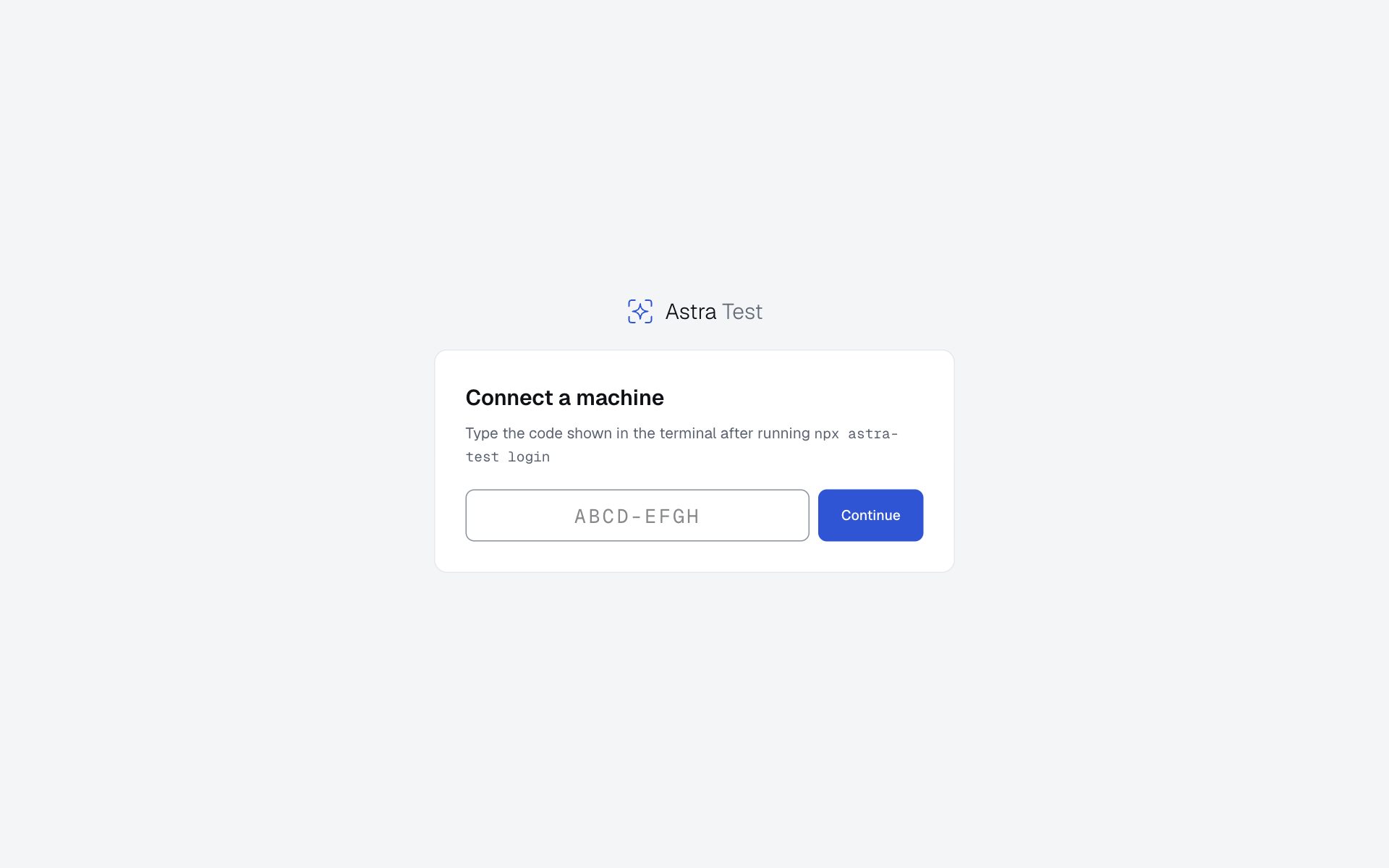 Connect a background machine5 steps · Connect your coding agent
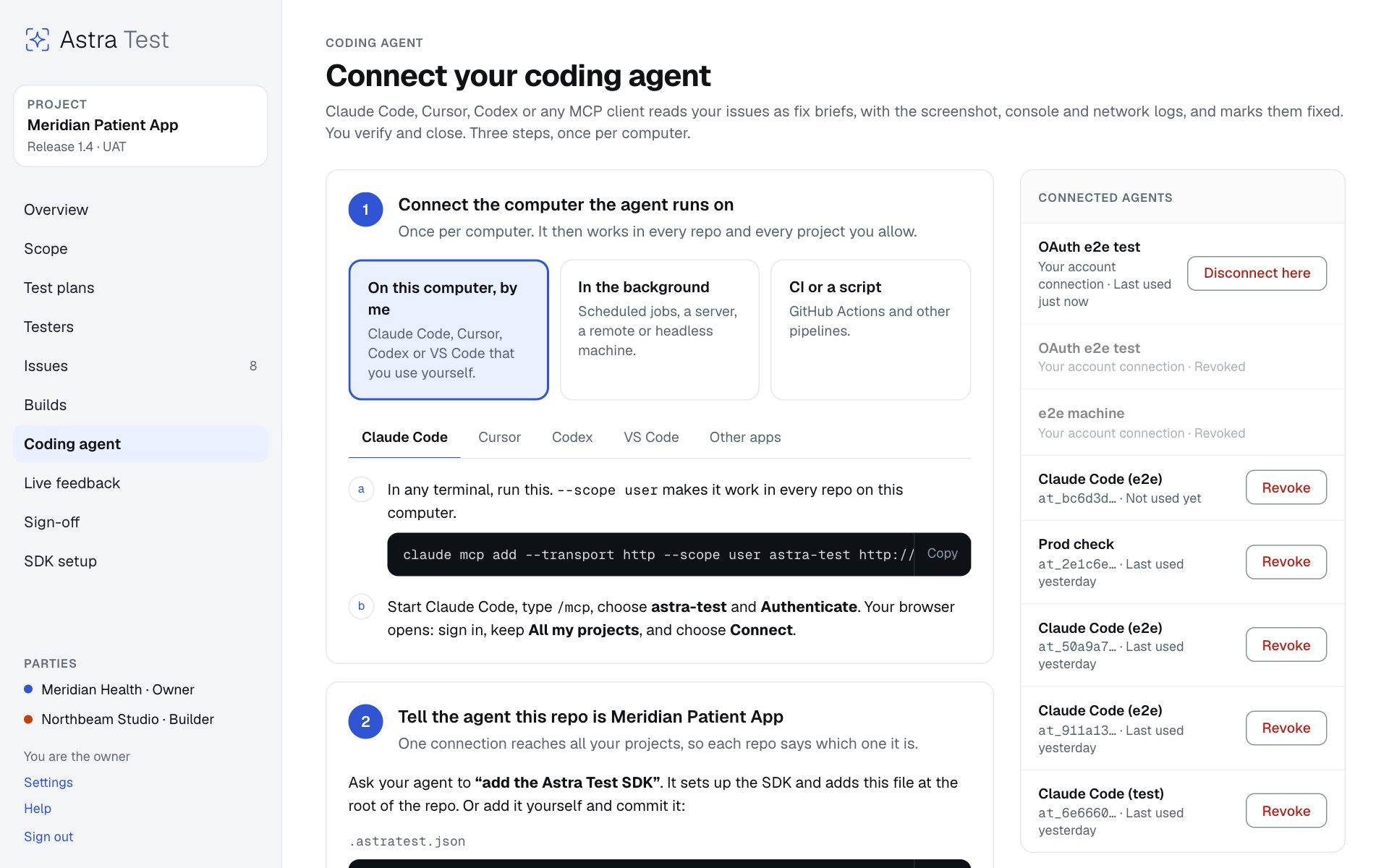 Connect your coding agent7 steps · Connect your coding agent
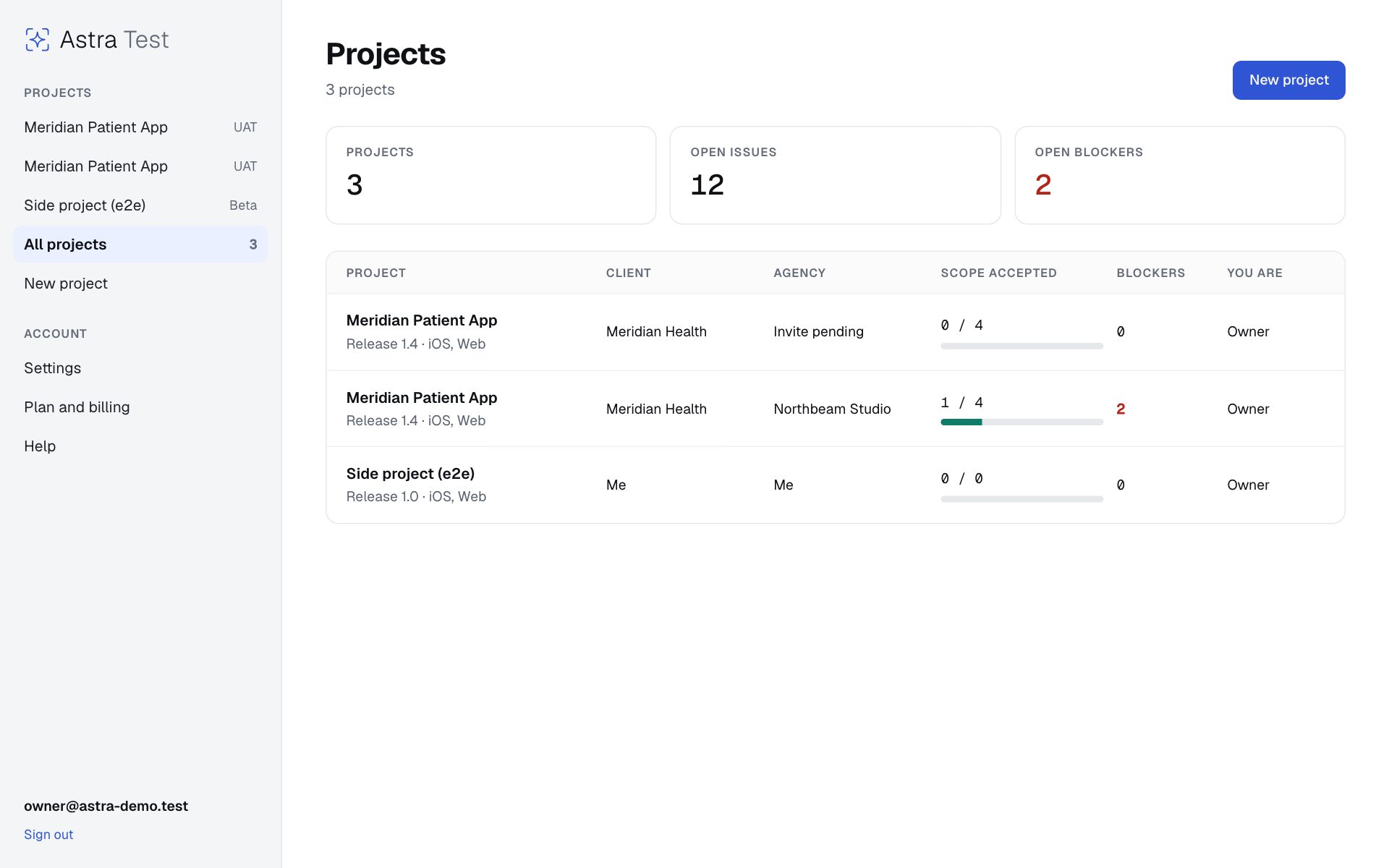 Create a project5 steps · Maker guide
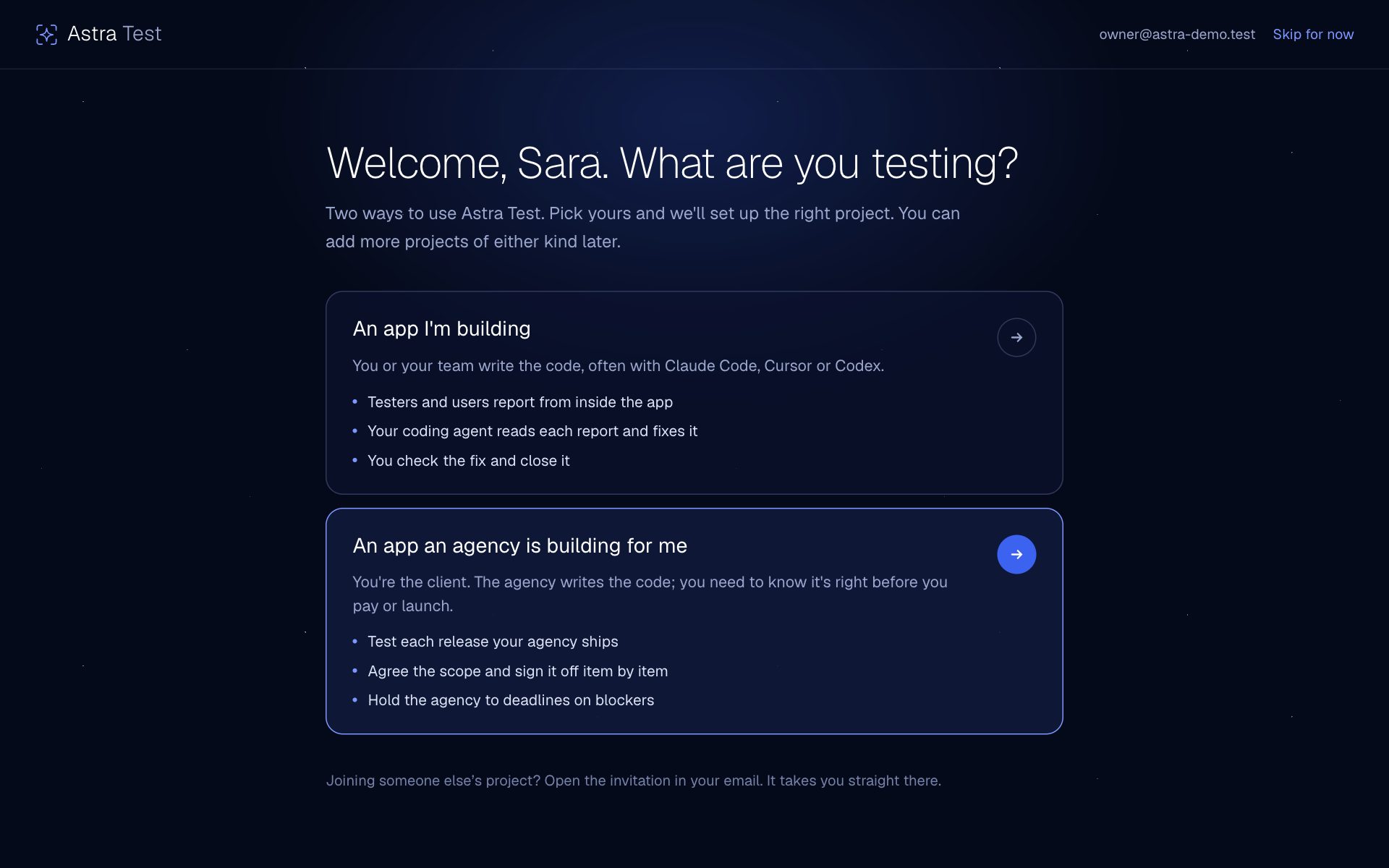 Get started as a client5 steps · Owner guide
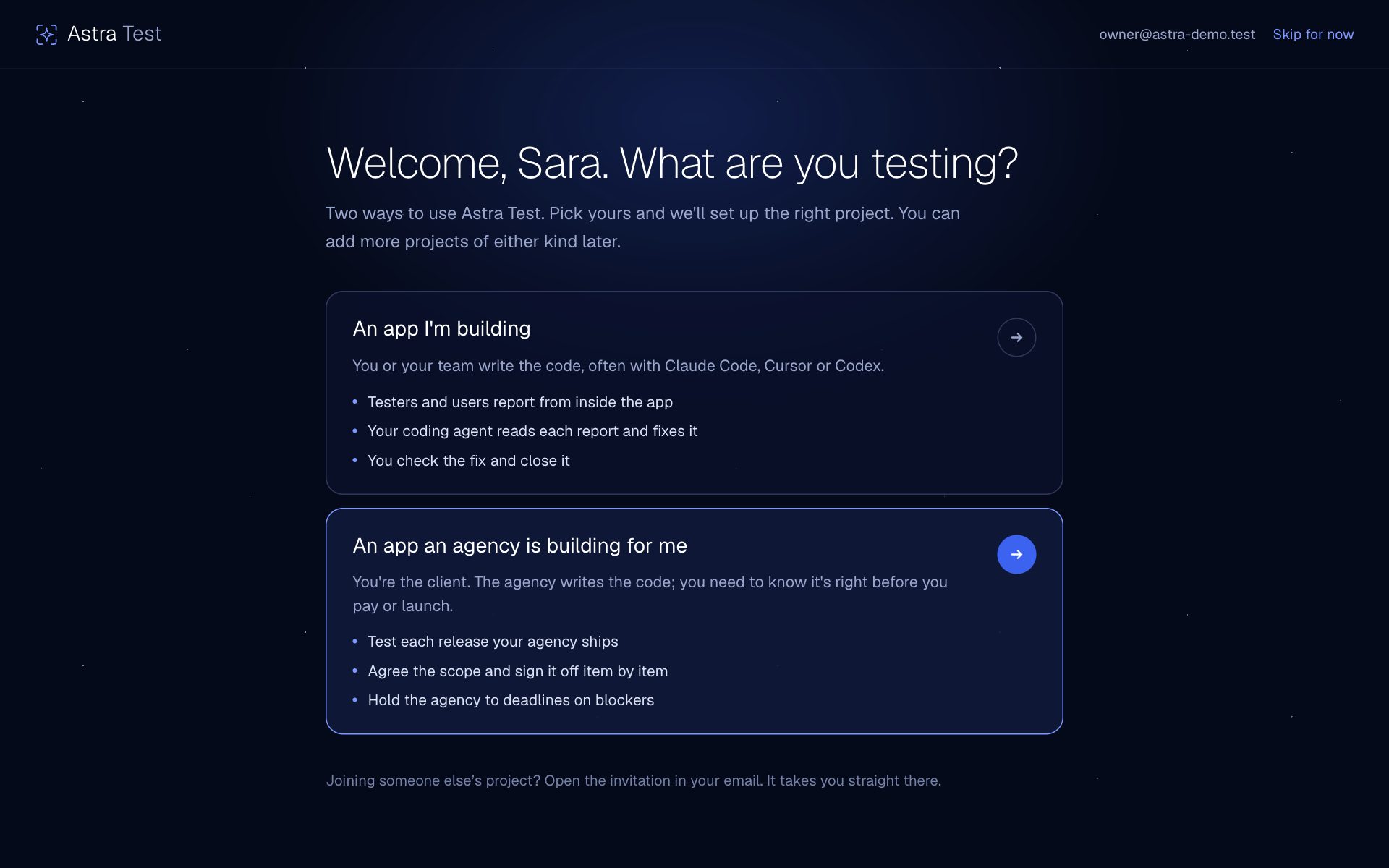 Get started as a maker5 steps · Maker guide
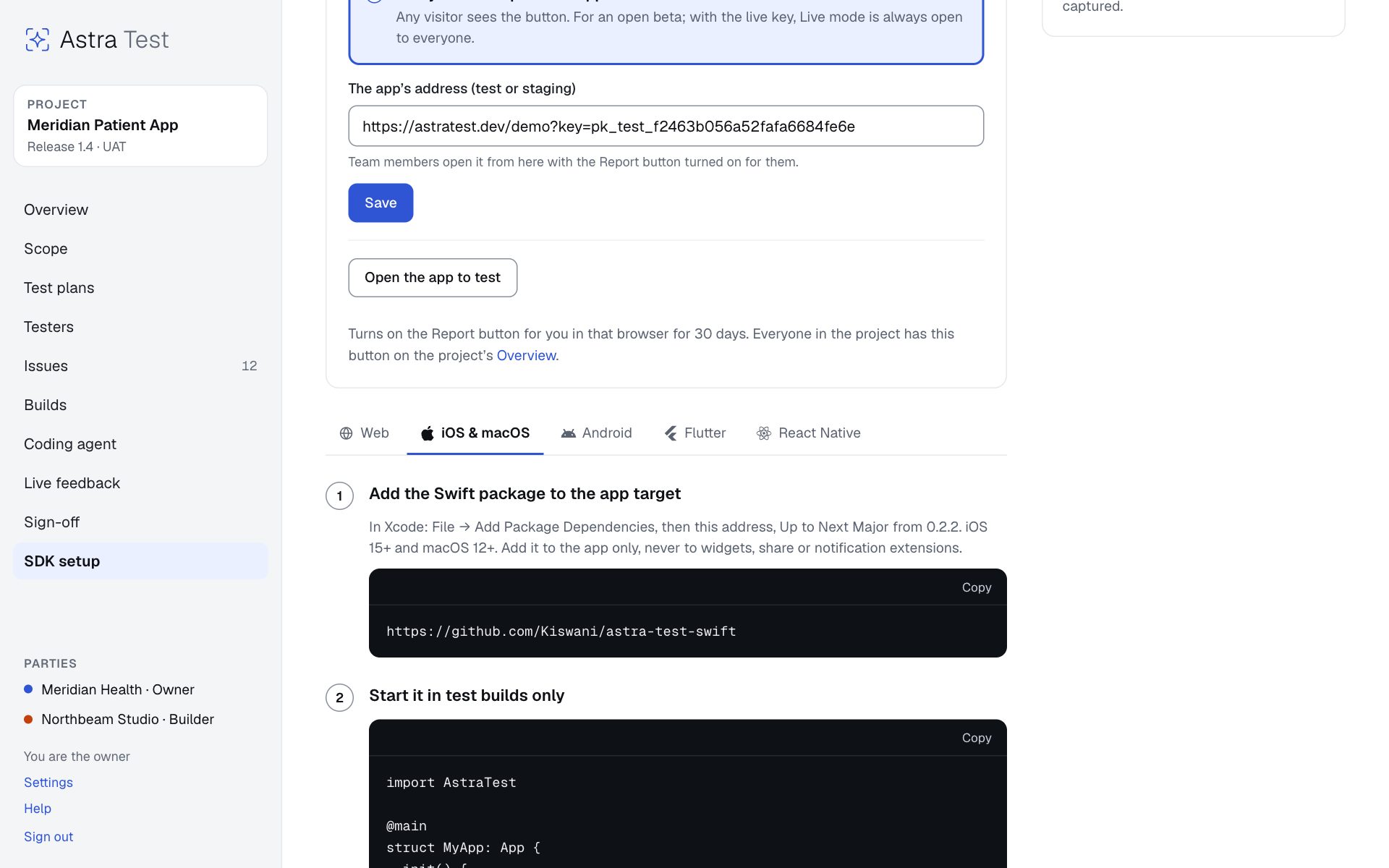 Install the SDK5 steps · Maker guide
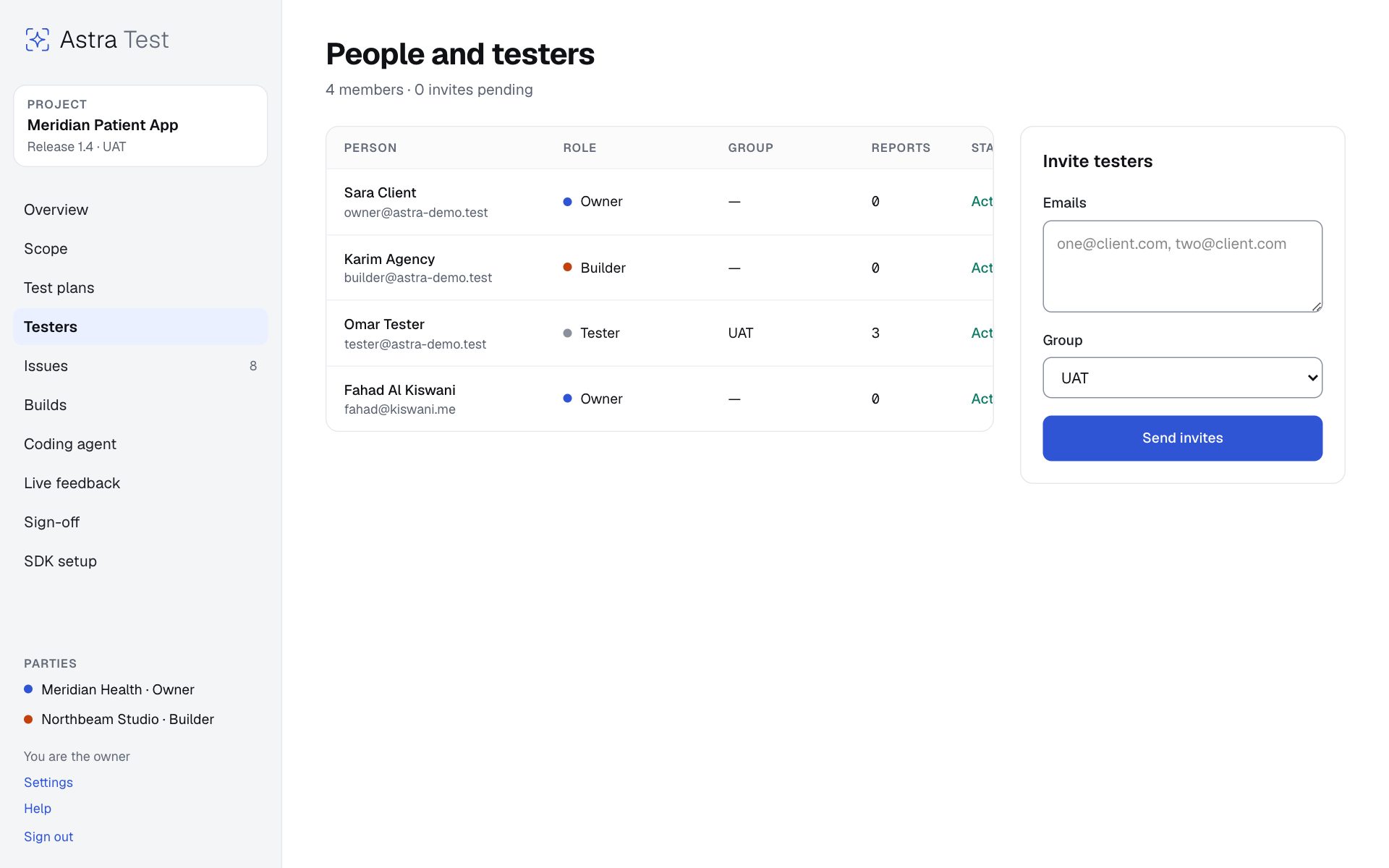 Invite testers4 steps · Owner guide
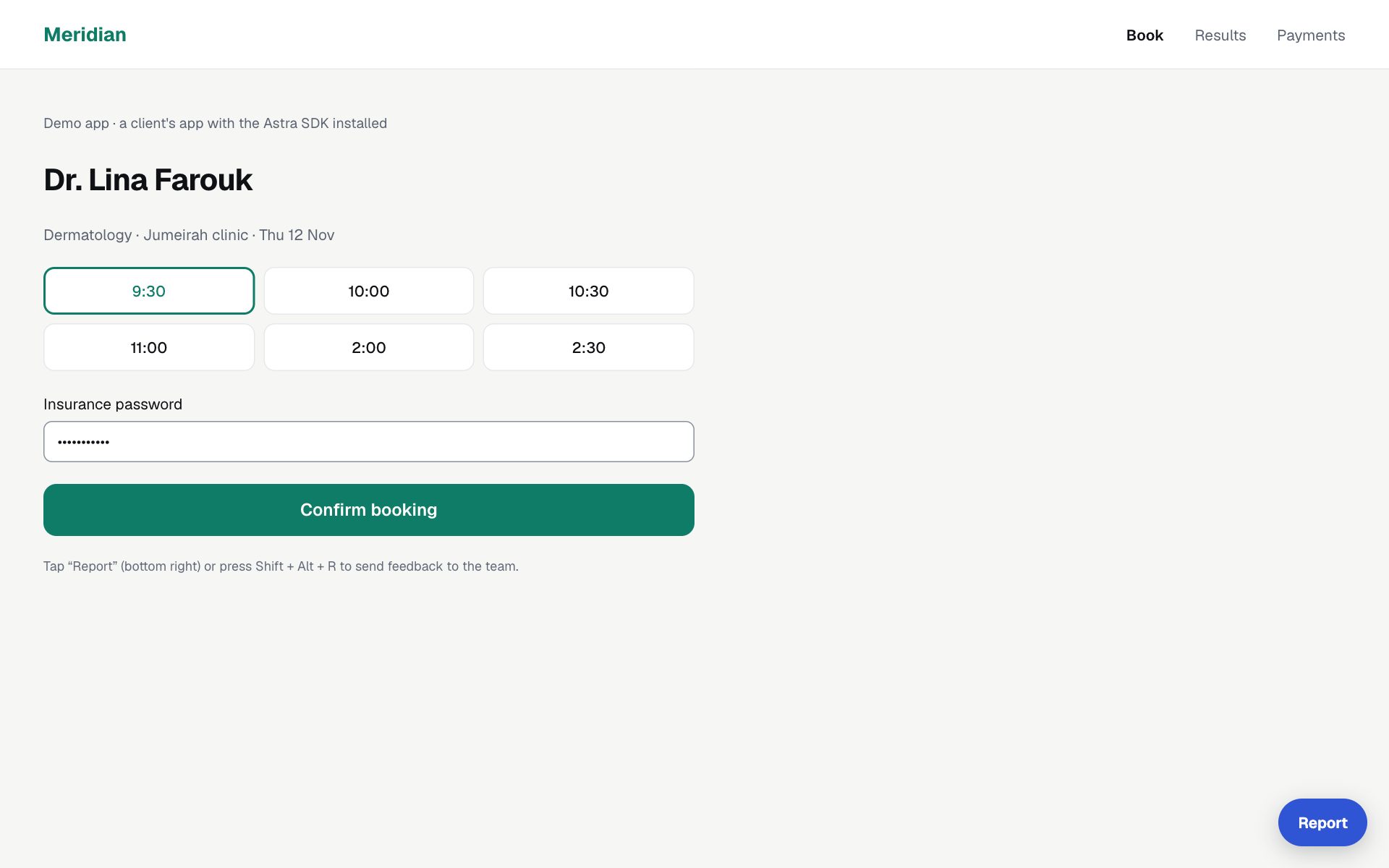 Report an issue from the app4 steps · Tester guide
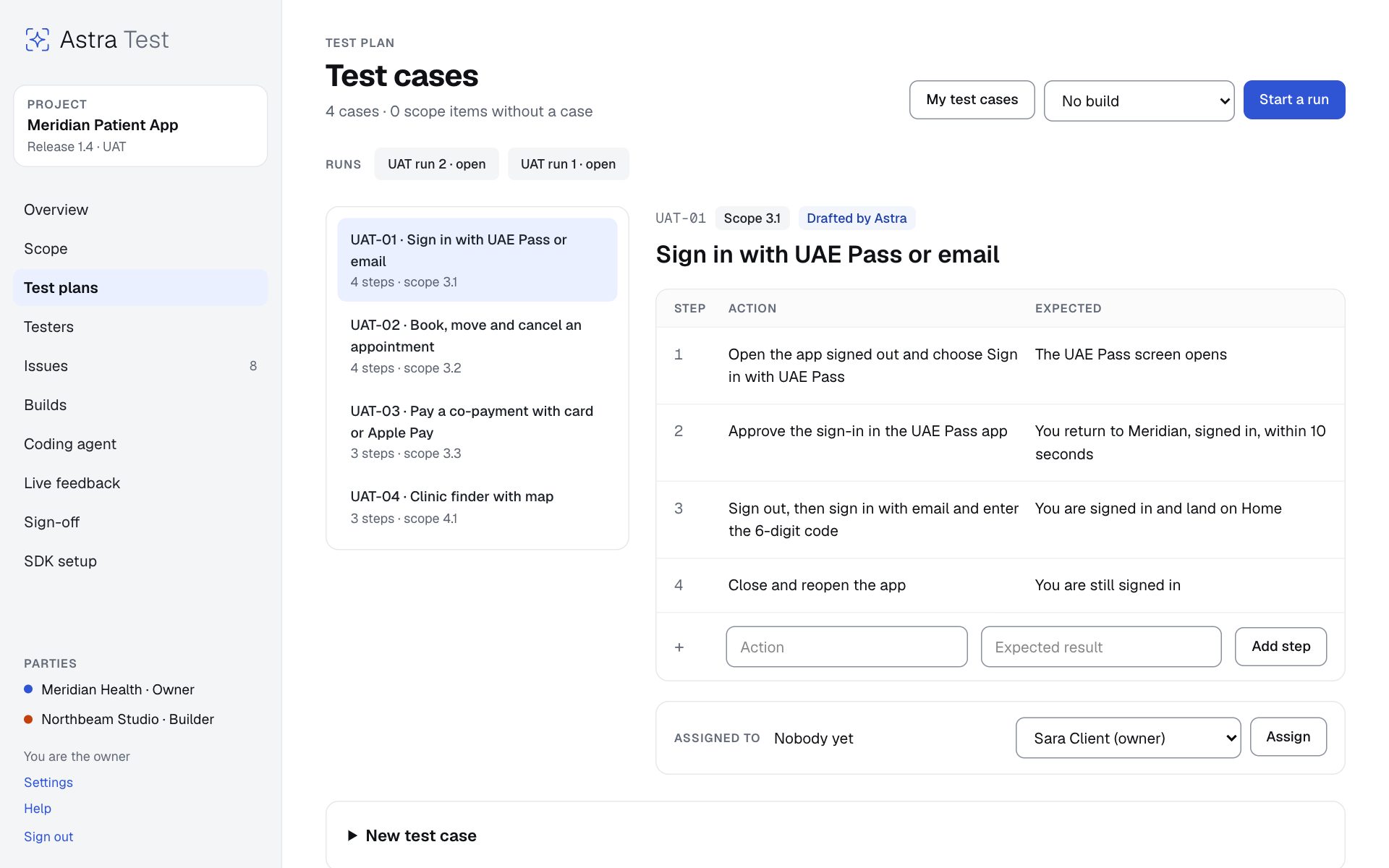 Run a round of testing4 steps · Owner guide
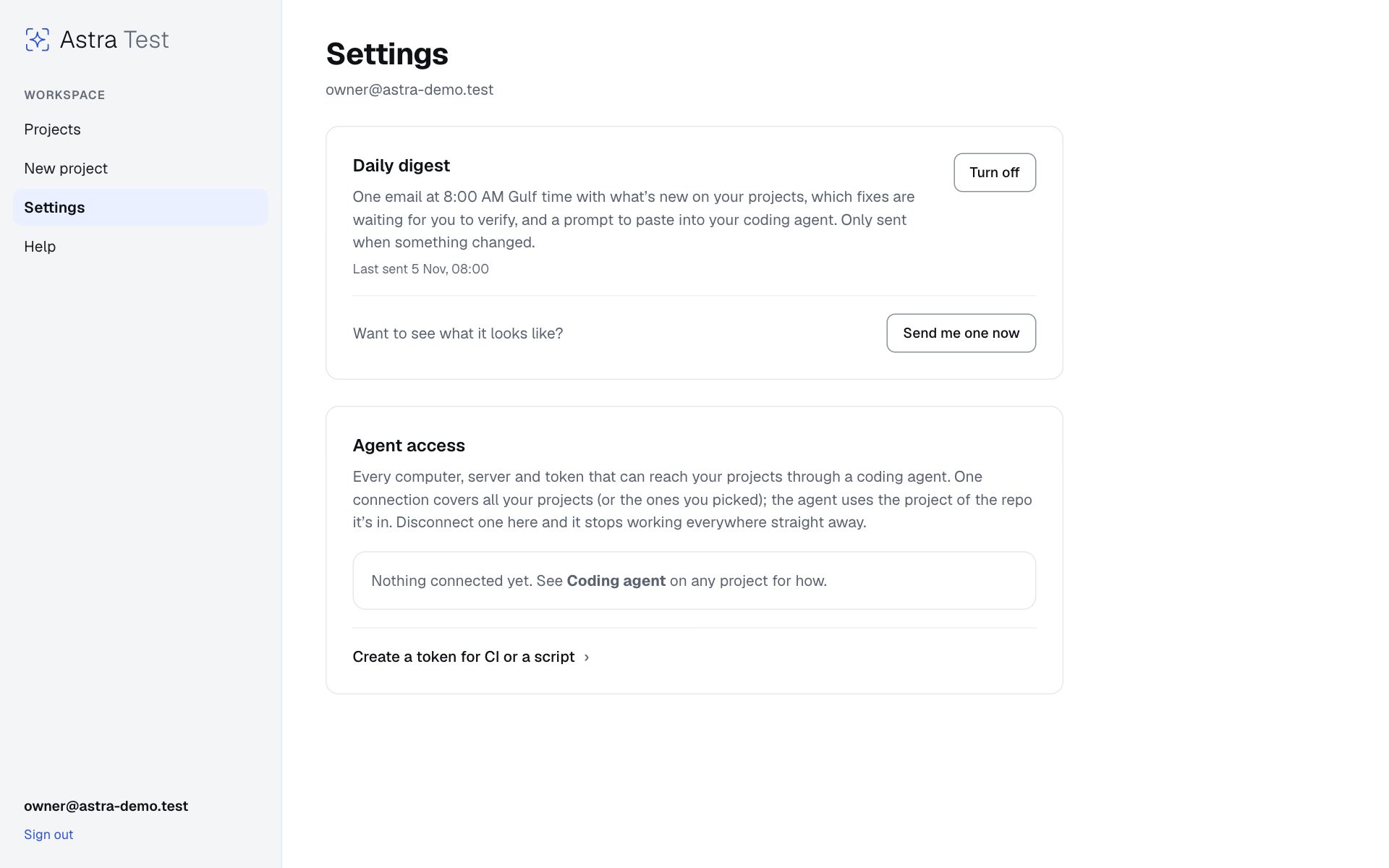 See and disconnect agent connections2 steps
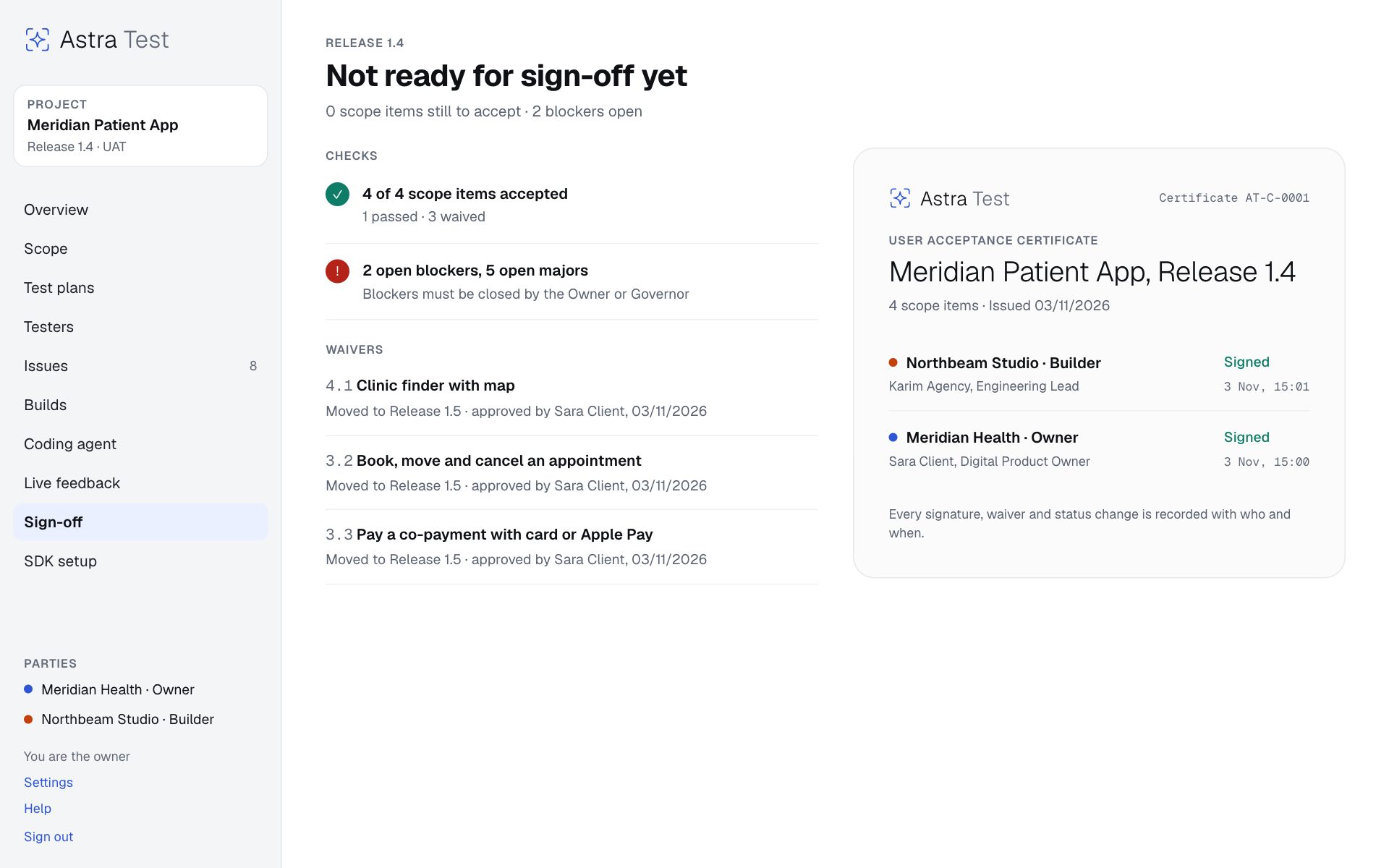 Sign off a release3 steps · Owner guide
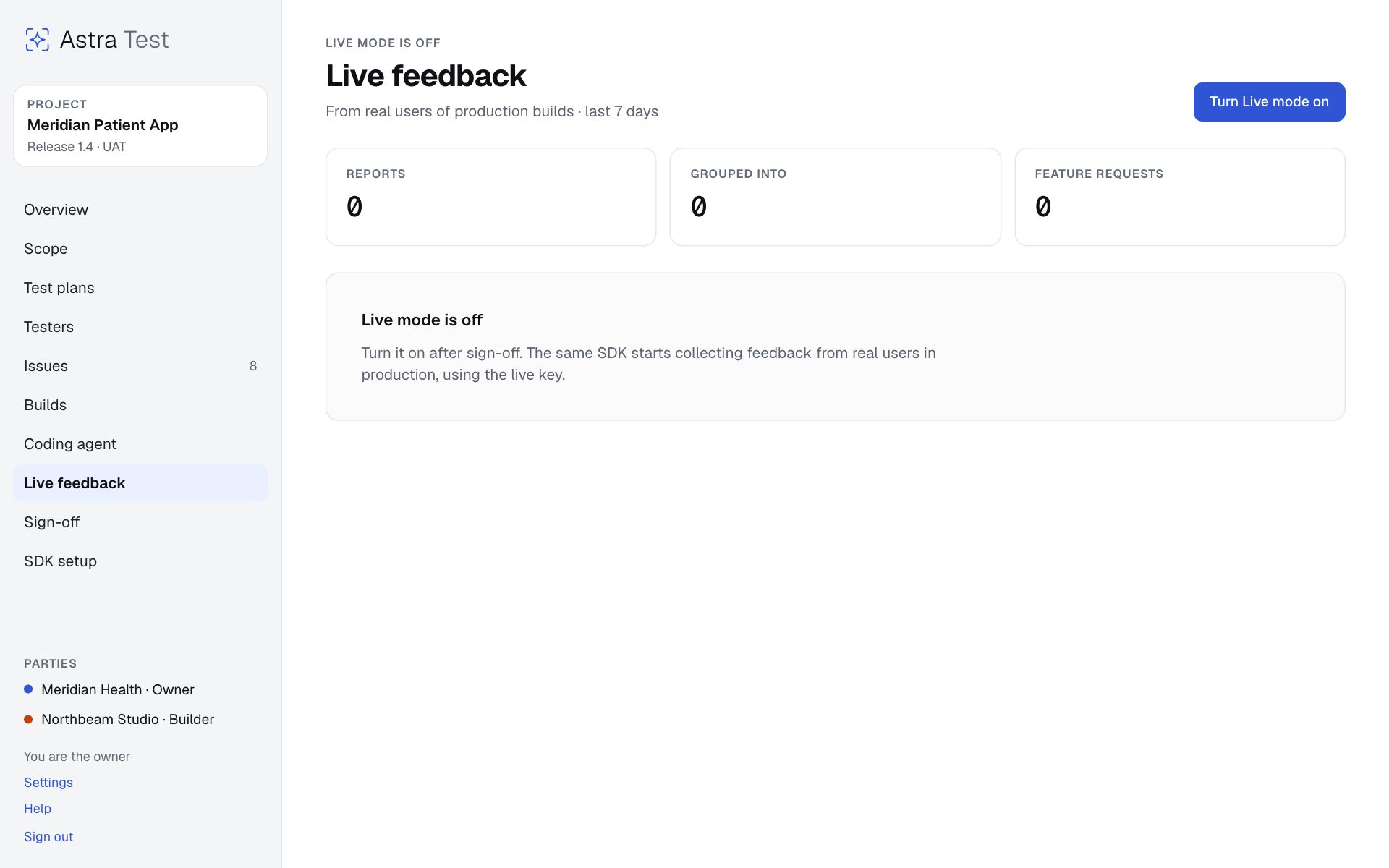 Turn on Live feedback2 steps · Owner guide
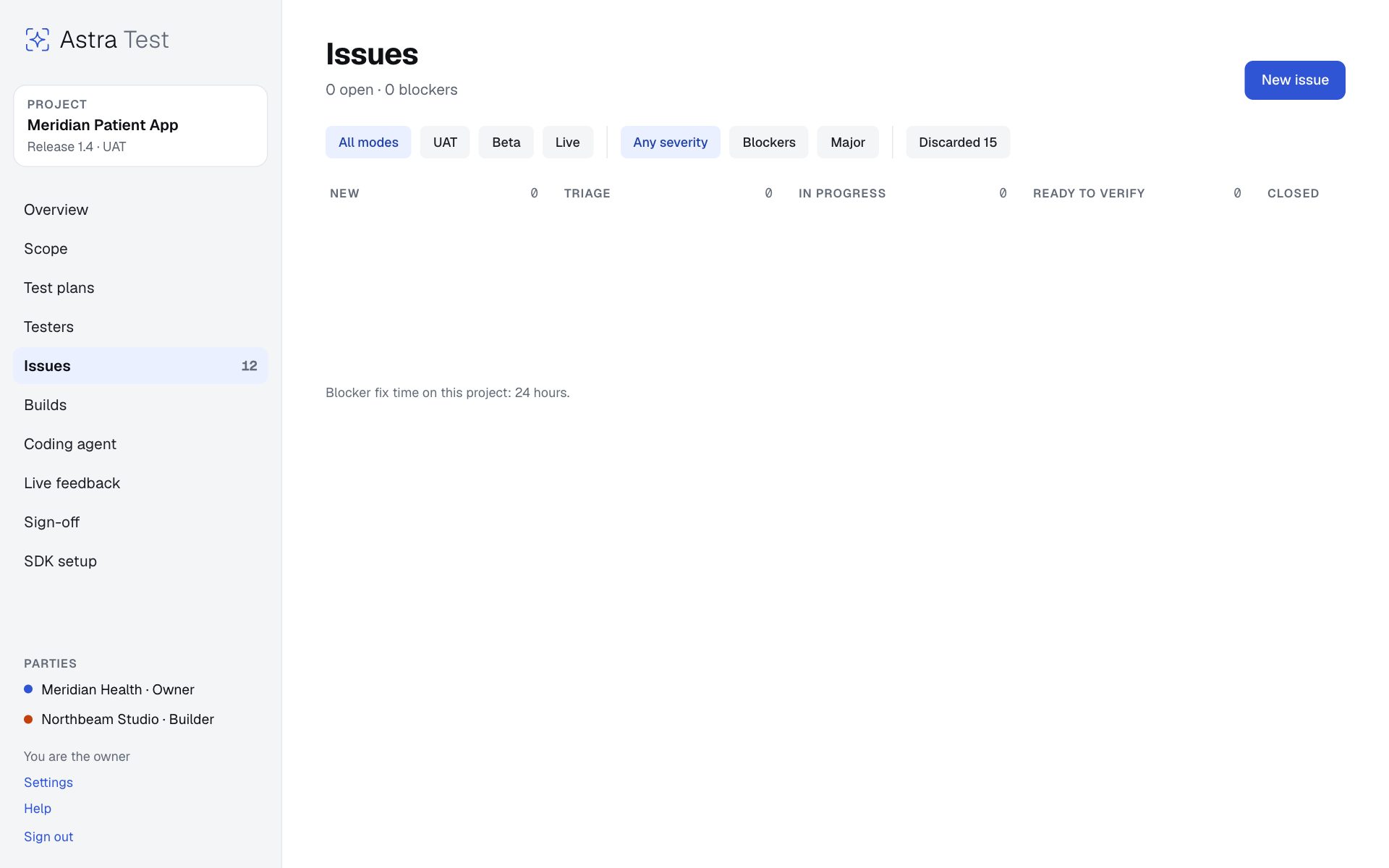 Verify a fix and close it5 steps · Maker guide